
TV Mounting
HammerNest helps homeowners around Freeport, IL review practical TV mounting requests, including compatible brackets, finished wall surfaces, viewing placement, surface cord covers, and related media setup details.
Fast response. Quality work. Fair pricing.
TV mounting scope
TV mounting for common residential setups in Freeport, IL
HammerNest reviews practical TV mounting requests for finished residential rooms around Freeport, IL, including living rooms, bedrooms, offices, playrooms, finished basements, and rental properties.
The television, bracket, wall surface, support behind the wall, intended position, outlet location, and cable path should be reviewed together before the setup is treated as simple.
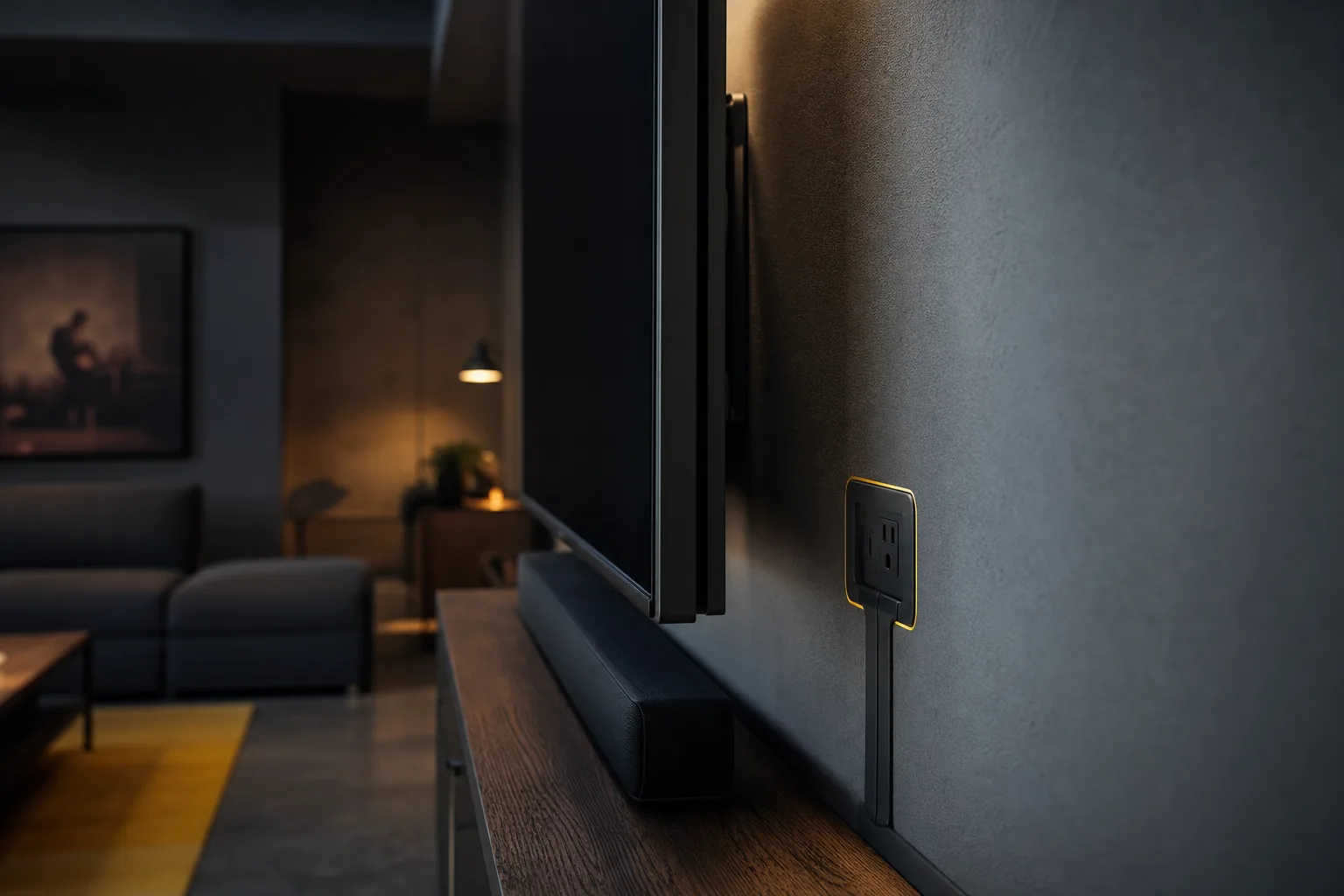
New TV mounting
Mount a compatible television on a finished residential wall with a fixed, tilting, or full-motion bracket that fits the setup.
Replace or reposition
A television or bracket can often be reviewed when an existing setup sits too high, too low, off-center, or no longer fits the room.
Common rooms
Living rooms, bedrooms, finished basements, offices, playrooms, and rental properties all benefit from clear placement photos.
Related media pieces
Soundbars, streaming devices, external cord covers, and small media shelves can be mentioned with the same request.
Whole setup review
The television, bracket, wall surface, support behind the wall, intended position, and cable path should be reviewed together.
Send the complete room setup in one request when the TV, soundbar, cord cover, media shelf, or nearby wall-mounted items need to be reviewed together.
Share the wall, TV model, bracket, desired placement, outlet location, and connected devices before follow-up.
Project intake checklist
What to send with your TV mounting request
Photos and product details help show the wall, television, bracket, cable path, device setup, and access before anyone guesses from screen size alone.
Full wall view
Take one wide photo showing the complete wall, nearby furniture, doors, windows, outlets, switches, vents, trim, and walking paths.
TV details
Send front and rear photos of the television when accessible, plus the brand, model, screen size, approximate weight, and product link if available.
Mount details
Photograph the wall mount, hardware, wall plate, arms, spacers, locking pieces, and instructions so compatibility can be reviewed.
Placement preference
Use rough measurements, marked-up photos, or painter tape to show the desired screen position before drilling is discussed.
Room and devices
Mention nearby seating, consoles, fireplaces, soundbars, gaming systems, streaming devices, and anything that limits access.
Phone photos are enough when they clearly show the full wall, the TV, the mount, the outlet area, and the preferred placement.
Include the bracket box or instructions if you already have the mount.
How it works
How the TV mounting request works.
A simple repair flow from room details to follow-up.
- Send repair detailsShare photos, location, urgency, and the best way to reach you.
- Upload photos if helpfulWide and close-up photos make the first review clearer.
- Choose call or text follow-upTell us how you prefer to handle the next step.
- Get the next stepIf the job fits, timing, materials, and the repair plan are confirmed.


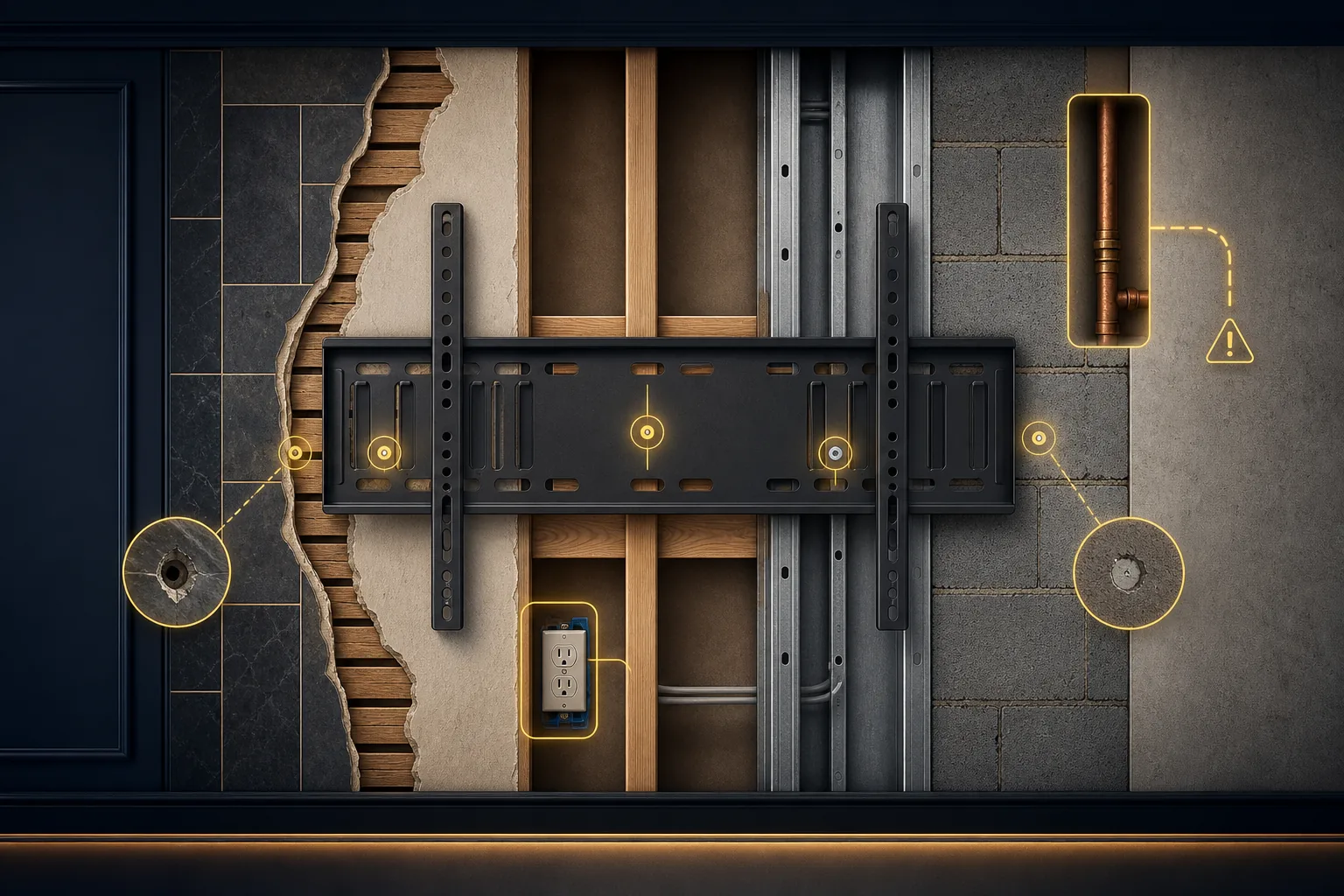
Wall support check
The wall determines how the TV mount should be supported
The finished wall does not reveal everything behind it. Drywall, metal studs, plaster, masonry, tile, paneling, repaired holes, or previous mounts can all change what should be reviewed.
A large television or full-motion bracket places different demands on the mounting area than a smaller fixed setup, so wall material, bracket design, television size, and available support belong in the same conversation.
Drywall
Drywall over framing is common, but the finished surface does not show where support is available or whether old holes are nearby.
Framing
Wood studs, metal studs, blocking, hollow areas, and concealed building components can affect how the mounting area should be reviewed.
Plaster
Plaster and lath can behave differently from standard drywall, especially when older holes, cracks, or loose areas are present.
Masonry
Brick, concrete block, stone, tile, and paneled surfaces need different review than a standard finished wall.
Existing conditions
Previous mounts, repaired drywall, loose plaster, damaged surfaces, visible outlets, and cable paths should be included in the photos.
Photograph existing holes, repaired drywall, loose plaster, outlets, cable paths, and any wall surface that looks damaged or uncertain.
Show the whole wall and close-ups of old anchors, outlets, tile, brick, plaster, or paneling.
Mount compatibility check
The TV, bracket, and mounting hardware need to match
The bracket should fit the television, the rear mounting pattern, and the wall conditions. Missing spacers, bolts, washers, locking pieces, or instructions can slow the request down.
An existing bracket should be reviewed before assuming it can be reused with a replacement television.
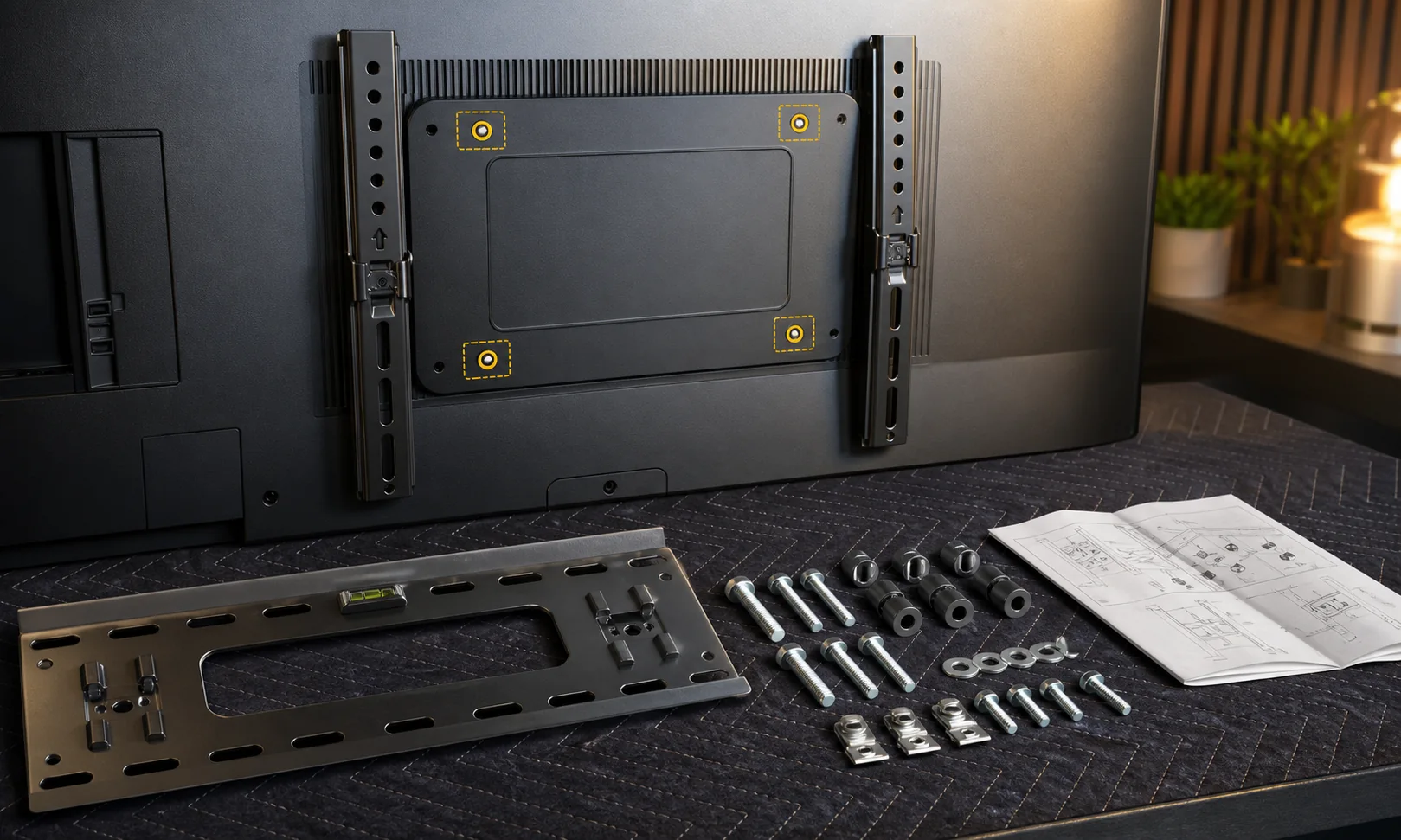
TV size and model
The screen size, approximate weight, rear shape, and model help clarify what kind of bracket and hardware should be reviewed.
Mount pattern
The rear mounting-hole pattern should match the bracket arms without forcing the setup or guessing from the screen size alone.
Bracket style
Fixed, tilting, and full-motion mounts place the television differently and may need different wall clearance and support review.
Hardware present
Wall plates, arms, bolts, washers, spacers, locking pieces, and instructions should be gathered before the request is reviewed.
Spacer needs
Some televisions have recessed mounting points or curved rear panels that may require the correct spacer and bolt combination.
Existing mounts
An existing bracket should be reviewed before assuming it can be reused with a replacement television.
Gather the mount hardware in one place before sending photos. Missing or incompatible parts may need to be solved before mounting proceeds.
Show the rear of the TV, the bracket arms, wall plate, hardware, and instructions.
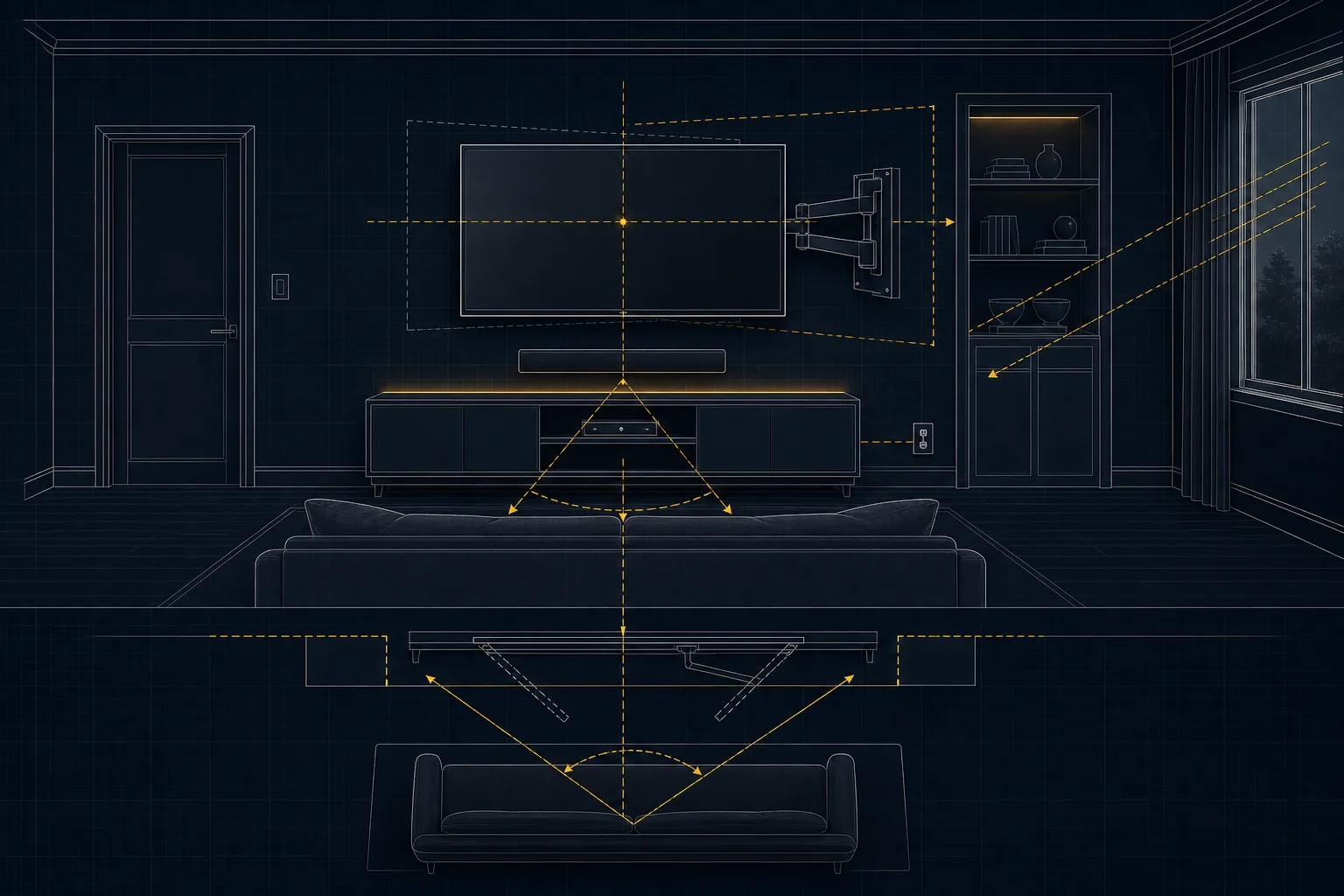
Placement planning
Plan the TV position around seating, furniture, and room use
Good TV placement depends on seating, screen size, glare, device access, walking paths, furniture, and how the room is actually used.
Marked-up wall photos or painter tape can help communicate the preferred position before drilling is discussed.
Height
The preferred screen position should relate to normal viewing comfort, seating, and the room layout rather than the empty wall alone.
Centering
Centering may relate to a media console, sectional, bed, desk, or main seating area instead of the full wall width.
Viewing
Screen size, normal eye line, seating position, and glare from windows or lamps all affect what placement feels practical.
Clearance
A full-motion mount needs room to extend and pivot without hitting walls, cabinets, doors, trim, or nearby features.
Room context
Soundbars, gaming systems, streaming devices, consoles, and future access should be considered before the TV is mounted.
Centering may relate to the media console, bed, sectional, desk, or main seating area instead of the full wall.
Include the seating position, console, soundbar, window glare, nearby cabinets, and any full-motion clearance concerns.
Cable and device planning
Plan the cords, devices, and outlet location before mounting
The cleanest-looking setup still needs practical cable reach, device access, and a safe power plan. Basic cord organization and permanent electrical changes should be treated as separate scopes.
Power
Identify the existing power outlet and whether the television can connect without moving or adding an outlet.
Signal cables
HDMI, coaxial, Ethernet, optical, antenna, and device cables should be long enough and routed where they remain useful.
Cord covers
External cord covers or surface raceways may provide a cleaner route without implying concealed in-wall electrical work.
Devices
Soundbars, streaming boxes, game consoles, cable boxes, and antennas should be included when they are part of the setup.
Electrical boundary
New outlets, outlet relocation, concealed electrical wiring, or new in-wall cable routes may require the appropriate electrical or low-voltage professional.
Show existing wall plates, outlets, visible low-voltage openings, cable lengths, connector direction, and every device that needs to connect after the TV is mounted.
Mention whether cords will stay visible, use an external cord cover, or connect to existing outlets and devices.
Estimate factors
What affects a TV mounting estimate
A basic fixed mount is different from a large full-motion television, masonry wall, replacement bracket, multi-device setup, or wall with old anchor damage.
TV
Television size, weight, rear shape, model, and mounting pattern affect how the setup should be reviewed.
Mount
Fixed, tilting, and full-motion brackets differ, especially when the bracket is not supplied or hardware is missing.
Wall
Wall material, available support, previous holes, damaged areas, and surrounding conditions can change the mounting review.
Placement
Exact centering, soundbar placement, mounting above furniture, and room layout can make a simple mount more detailed.
Access
Tall walls, stairways, narrow rooms, large furniture, fireplaces, cabinets, and fixed fixtures can affect how the area is reached.
Existing conditions
Old anchors, failed mounting points, missing hardware, damaged drywall, cord covers, devices, and patch expectations should be described before follow-up.
Before sending the request, gather TV and mount details, room photos, desired placement, outlet location, device list, and any old mounting or drywall issues.
Clear details help HammerNest review the practical next step without guessing from screen size alone.
Project boundaries
When TV mounting may need a different plan
Some TV mounting requests involve wall, electrical, fireplace, or structural conditions that should be reviewed before the project is treated as a simple handyman mount.
Related small projects can still be included in the same request, but one list does not guarantee every item uses the same mounting method or fits one appointment.
May need a different specialist or plan
Electrical changes
New outlets, outlet relocation, electrical wiring, and new concealed cable routes may need an electrical or low-voltage provider.
Special wall surfaces
Brick, stone, tile, concrete, metal studs, and uncertain wall construction may need extra review before drilling.
Fireplace mounting
A fireplace wall should be reviewed for wall assembly, mantel, heat exposure, outlet location, and cable route rather than screen position alone.
Damaged or uncertain walls
Loose plaster, suspected plumbing or wiring conflicts, damaged surfaces, and inadequate support should be addressed before mounting.
Specialized installs
Very large displays, commercial installations, ceiling mounts, motorized systems, or unusual structural mounts may need a specialized installer.
Related small projects
Shelving, picture and mirror hanging, surface cord covers, small fixture mounting, and minor drywall repair can be included when they affect the same room setup.
Include TV mounting, shelving, picture hanging, cord covers, fixture mounting, and minor drywall context when they are part of the same room plan.
Service hub
Related wall and fixture help.
These pages may fit the same room setup or nearby wall-mounted projects.
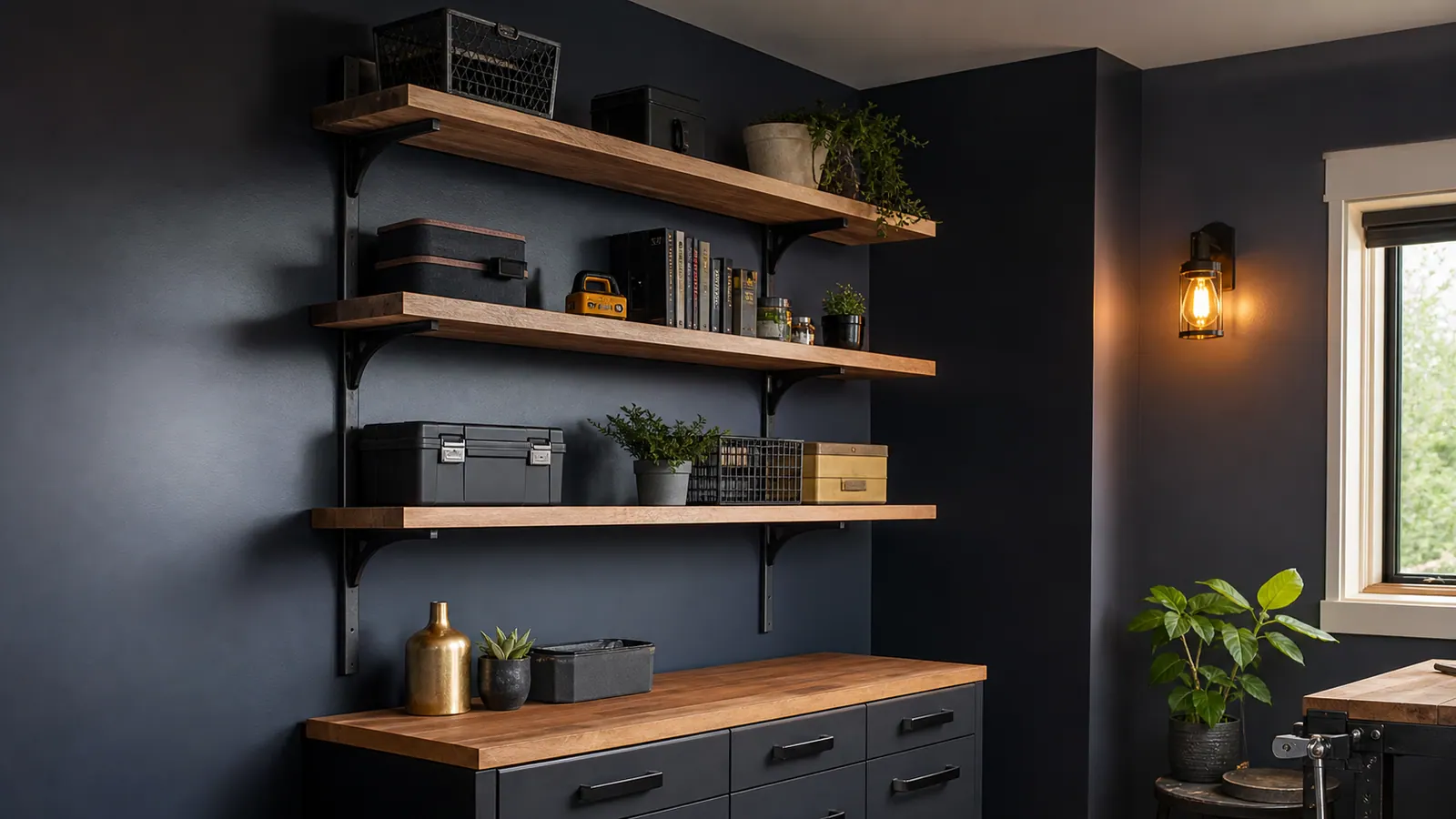 Shelving InstallationNeed shelving installation in Freeport, IL? HammerNest reviews photos, scope, materials, and timing for practical handyman help nearby.View Service ->
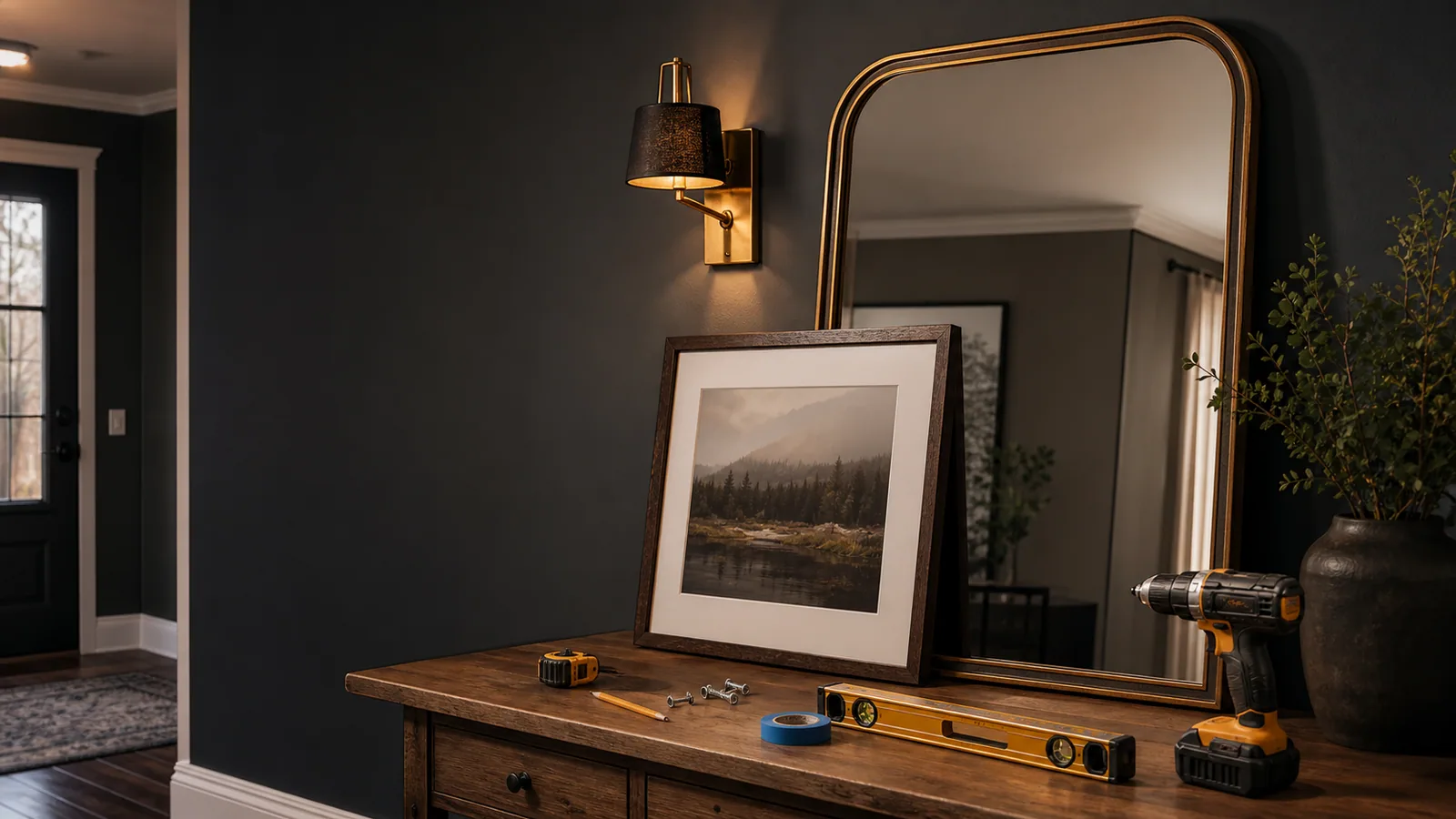 Picture and Mirror HangingNeed picture and mirror hanging in Freeport, IL? HammerNest reviews photos, scope, materials, and timing for practical handyman help nearby.View Service ->
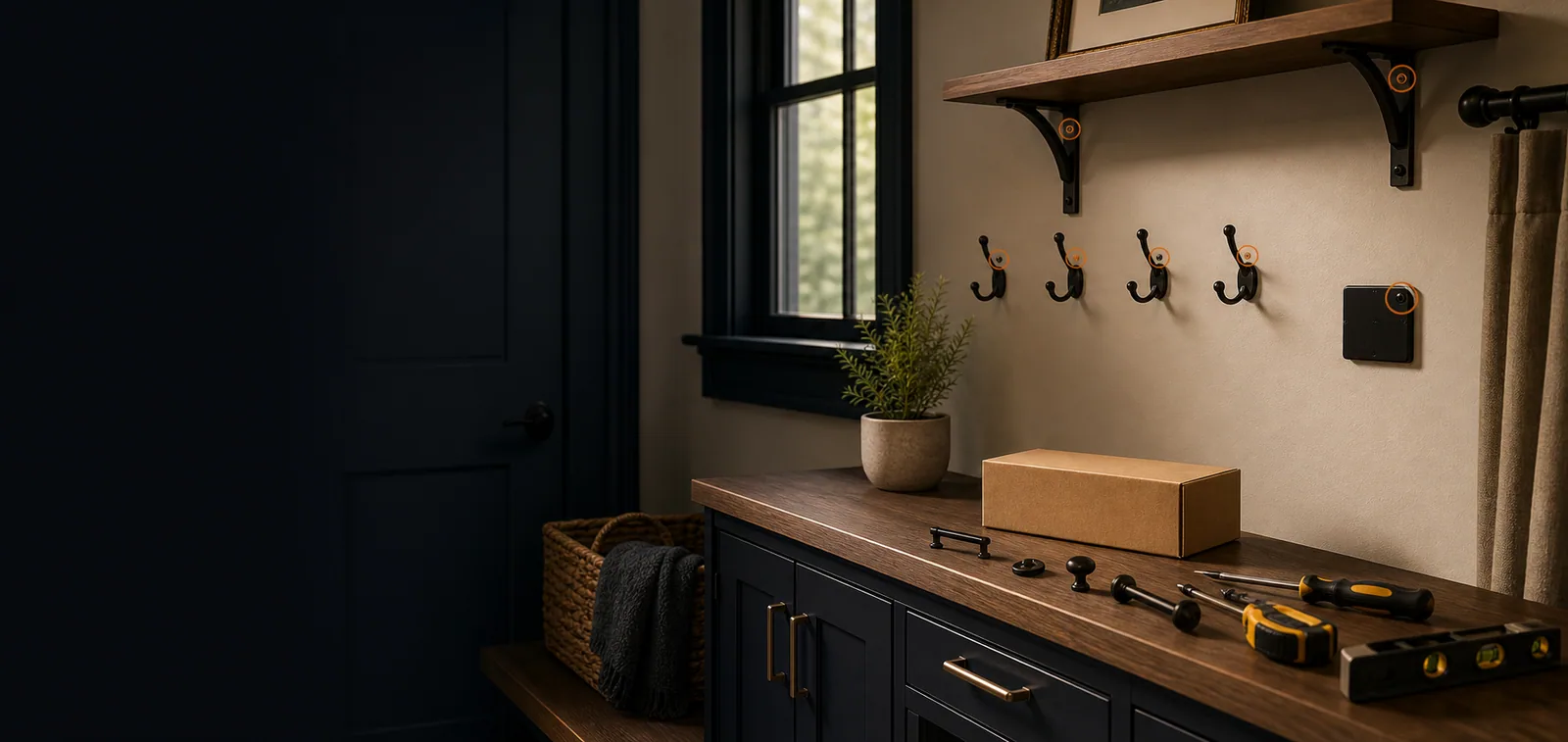 Fixture & Hardware Installation in Freeport, ILInstall curtain rods, blinds, bathroom accessories, hooks, organizers, cabinet handles, and small wall fixtures near Freeport, IL.View Service ->
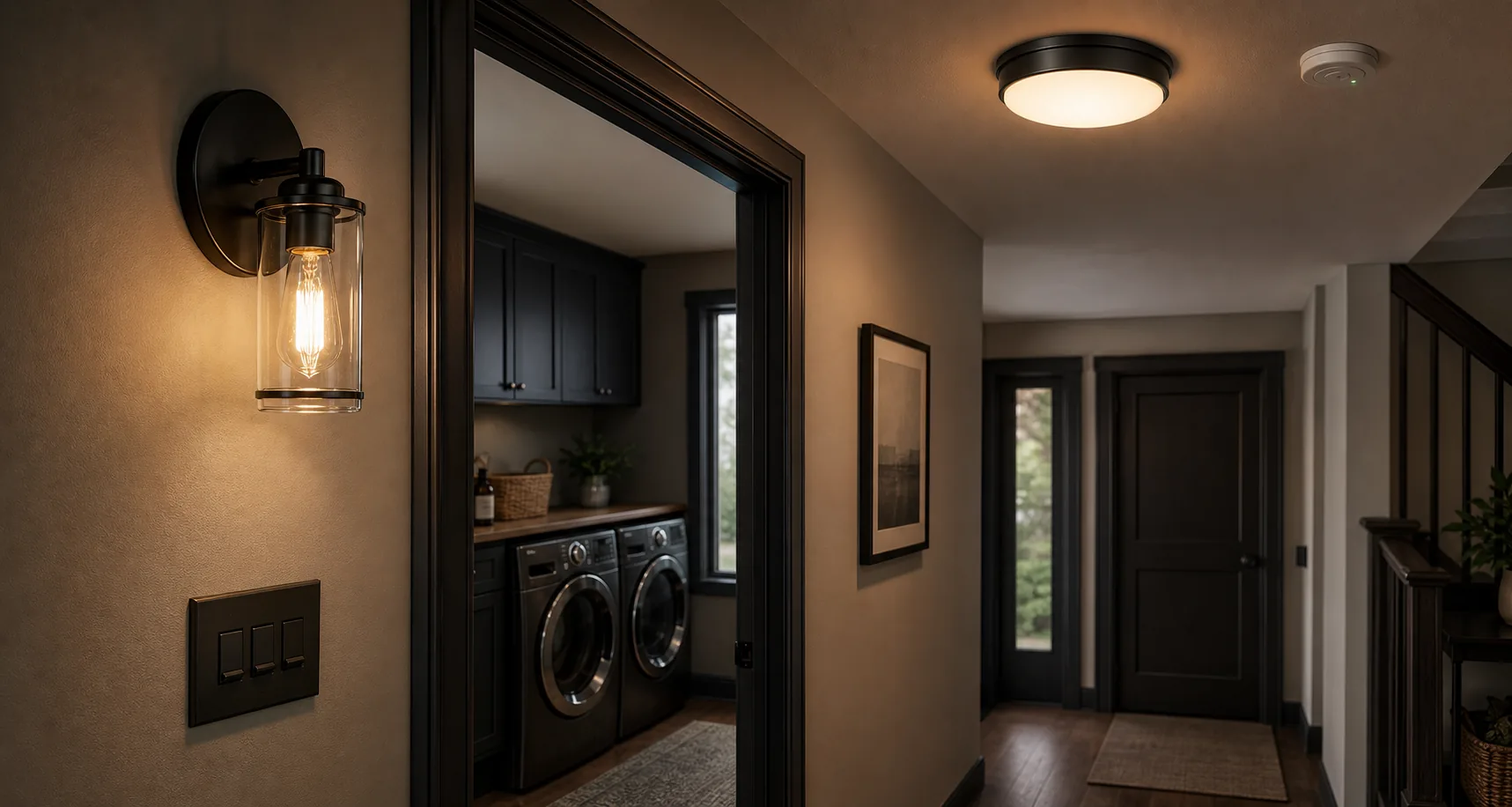 Light Electrical Handyman WorkNeed light electrical handyman work in Freeport, IL? HammerNest reviews photos, scope, materials, and timing for practical handyman help nearby.View Service ->


 Not sure if we cover your area?


